
-
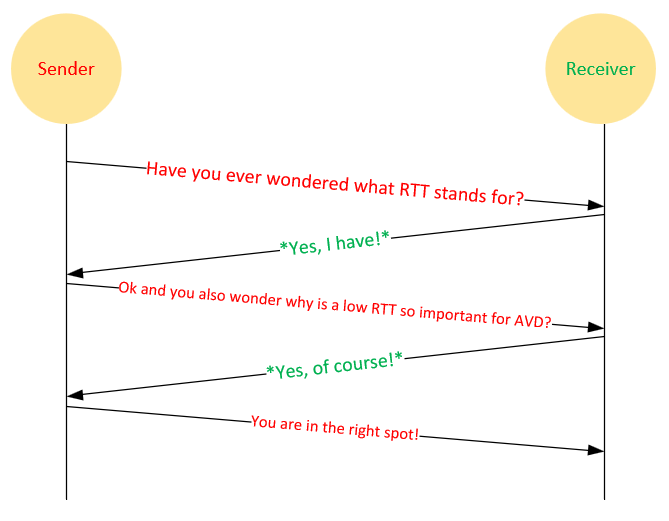
Azure Virtual Desktop (AVD) x What is RTT
This text provides a detailed guide on Round-Trip-Time (RTT) in network communication, primarily focusing on Azure Virtual Desktop (AVD). It explains RTT concepts, ways to find optimal Azure regions for reduced RTT, and the impact of high RTT on user experience. It also covers the troubleshooting and optimization of RTT, including the use of new…
-
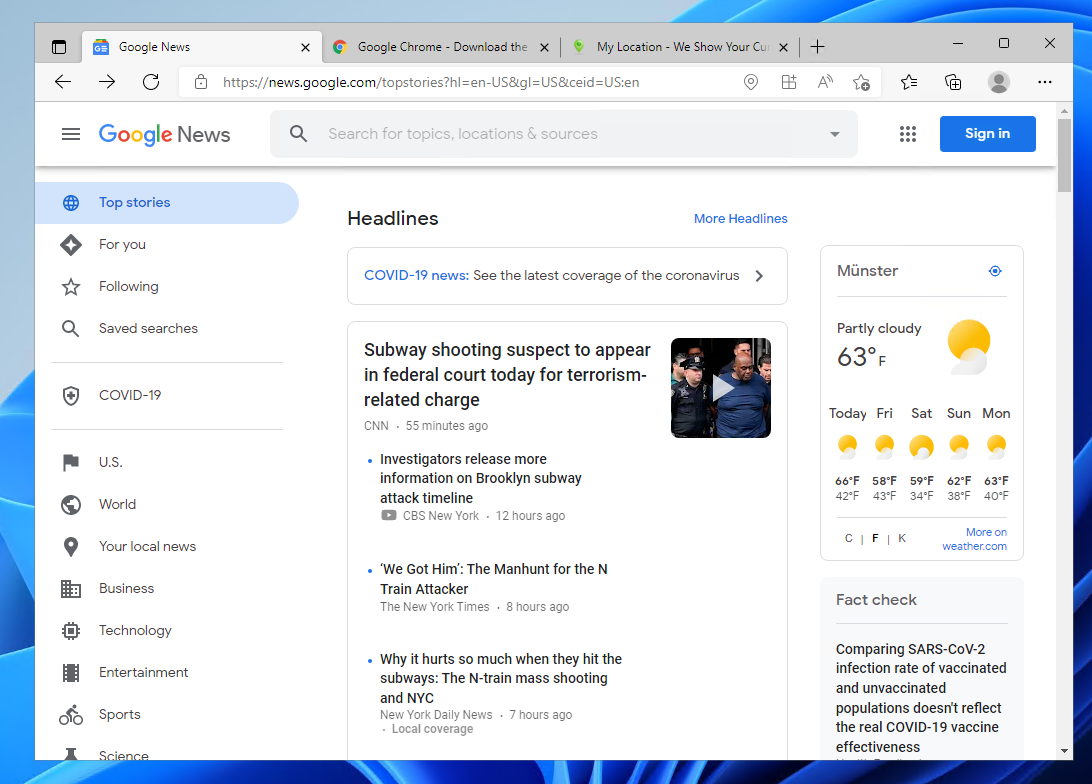
Azure Virtual Desktop (AVD) x Location redirection #WhereAmI
Traveling while working on a VDI can create location-based challenges. This post discusses enabling location services and redirection on Windows 11 for Azure Virtual Desktop (AVD) to improve user experience by providing local weather, news, and app functionality. Techniques include configuring local settings, Intune policies, and registry keys, along with RDP property adjustments.
-
Unlock the Power of Azure Virtual Desktop (AVD) on Linux
Azure Virtual Desktop (AVD) currently does not support Linux virtual machines, but users can still set up a Linux desktop. One method involves using WSL2 on Windows 10/11. Alternatively, a Linux desktop can be published via a remote application by configuring a Linux VM with updates, xfce, xrdp, and necessary firewall settings.
-
Azure Virtual Desktop BCDR and Multi Region Deployments
Azure Virtual Desktop (AVD) is a global service by Microsoft, essential for business continuity and disaster recovery (BCDR). This post discusses options for compute resources, data storage, images, FSLogix, and multi-region deployments. It emphasizes building a resilient, scalable AVD environment using availability zones, storage redundancy, shared image galleries, and FSLogix Cloud Cache.
-
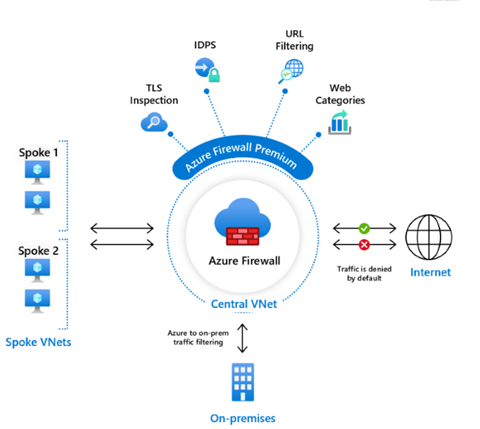
Azure Virtual Desktop (AVD) x WebContentFilter and network protection
In this part of the security series, learn to protect Azure Virtual Desktop network traffic using Microsoft Defender for Endpoint and Web Content Filtering. Prerequisites include specific Microsoft licenses and Windows 10 devices. Configuration steps cover device onboarding and setting up web content filtering policies to control web access, enhancing security.
-
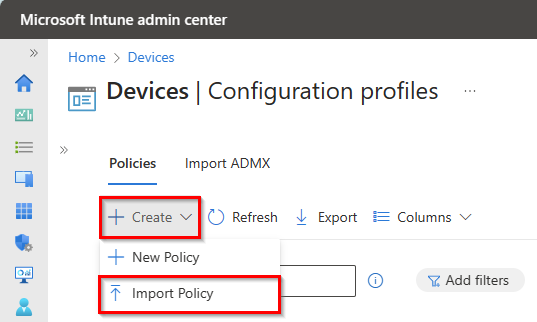
Intune Configuration Profiles for AVD Optimization
This article provides an overview of optimizing Azure Virtual Desktop VMs using Intune with Windows 10/11 multi-session OS. It details configuring profiles, importing configuration profiles, and troubleshooting. Key steps include profile creation, assigning settings, and manually synchronizing settings via PowerShell or Intune.
-
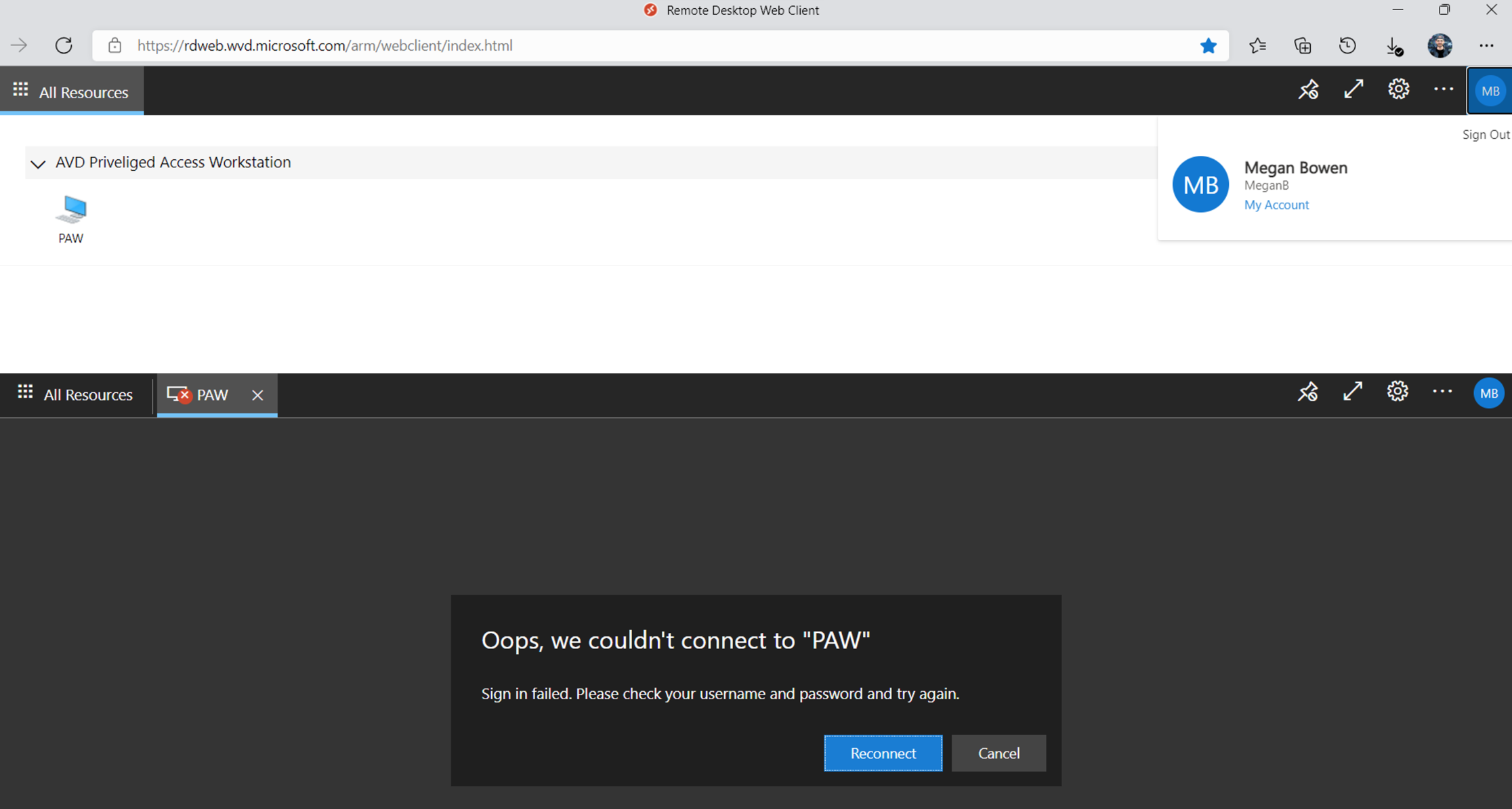
Azure Virtual Desktop (#AVD) x Priviliged Identiy Management (#PIM)
The article discusses enhancing security for Azure Virtual Desktop using Privileged Identity Management (PIM). It outlines PIM’s capabilities, including time-based role activation and approval processes, and provides a guide to configuring PIM on AVD session hosts. Future posts will detail integrating PowerApps for simpler access requests and approvals.